
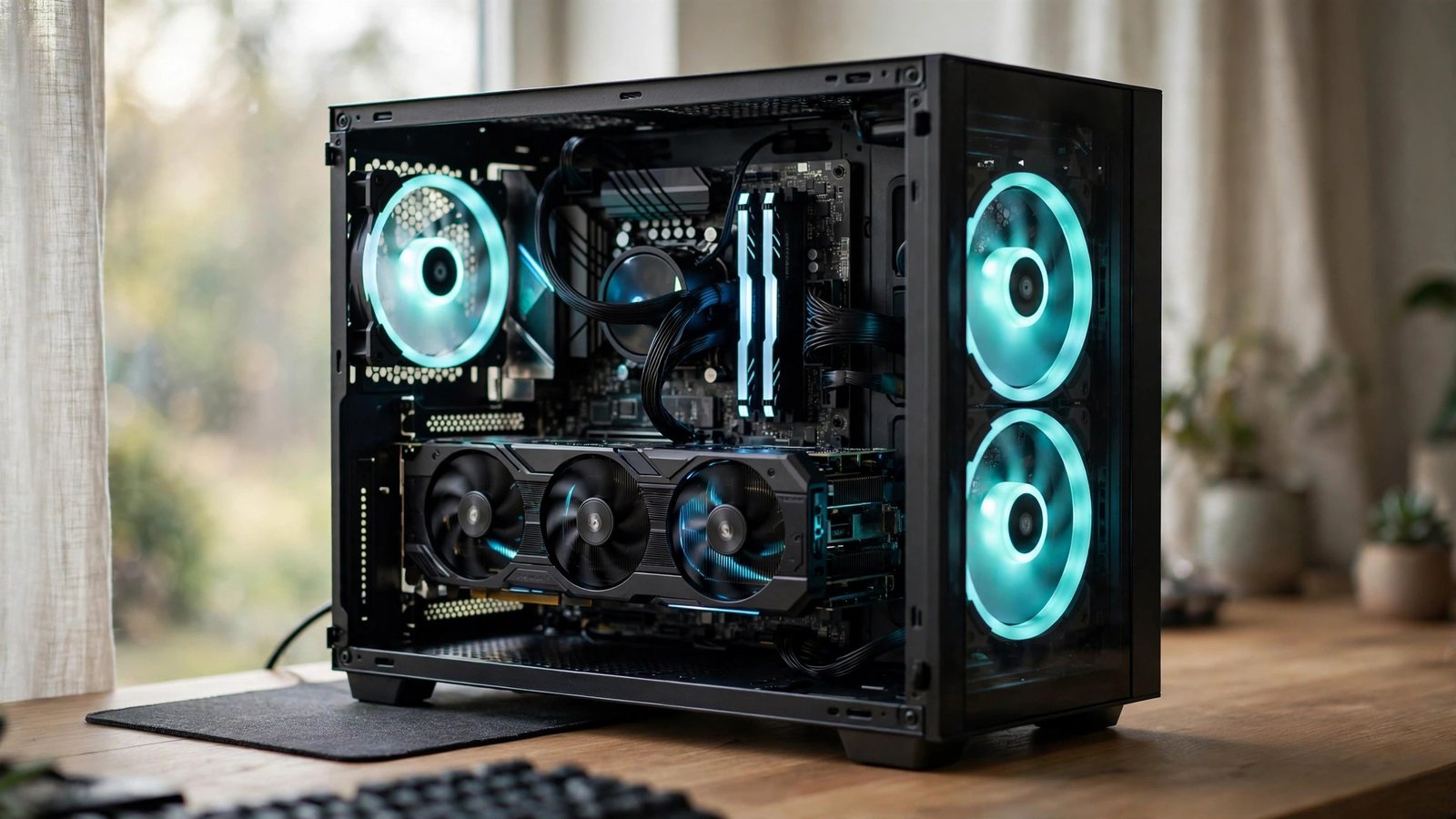
1440p is the sweet spot of PC gaming — visibly sharper than 1080p without the brutal hardware demands of 4K — but it is also the resolution where graphics cards go to show their age first. One year your card cruises at 144 frames per second; the next, new releases have you dropping settings to medium just to stay above 60. The question is never whether you will upgrade eventually, but when the upgrade actually buys you something worth the money. Here is how to read the signals and time it right.
The Performance Signals That Mean “Now”
Your games are already telling you. The clearest signal is settings erosion: if you have dropped from high to medium presets in recent releases to hold 60 fps at 1440p, your card has fallen behind the current generation’s baseline. A second signal is the 1% lows — those stutters and hitches during busy scenes. Average frame rates can look fine while the worst 1% of frames tank, and that stutter is what makes a game feel bad. A third signal is new features you cannot use: if every discussion of a game you want mentions ray tracing, frame generation, or upscaling modes your card does not support, you are locked out of the modern toolkit. Two of these three hitting at once means the upgrade will be felt every single day.
Check for Bottlenecks Before You Blame the GPU
A new graphics card cannot fix a problem that is not the graphics card’s. Before spending $400 or more, confirm the GPU is actually your limiter. Run your most demanding game with a monitoring overlay and watch GPU utilization: if it sits at 95 to 100% while the CPU cruises at 50%, the GPU is the bottleneck and an upgrade will help directly. If the GPU is at 70% while one or two CPU cores are maxed out, you are CPU-limited — a faster card will sit idle waiting for data. Also check your RAM: 16GB is the realistic minimum for modern 1440p gaming, and running single-channel or slow DDR4 can cost 10 to 15% of your frame rate. The GPU database and reviews at TechPowerUp are the gold standard for comparing exactly where your current card sits.
The Generation Cycle: Timing the Market
Graphics cards release in generations roughly every two years, and where you buy in that cycle matters enormously. The worst time to buy is the three to six months before a new generation launches: you pay full price for soon-to-be last-gen hardware, and launch-day availability is usually terrible anyway. The best time is typically six to twelve months after a launch, when prices have settled, driver maturity has improved performance, and the used market is flooded with previous-generation cards from early adopters. If your current card is tolerable and a new generation is rumored within six months, waiting is almost always the right call. The performance-per-dollar jump between generations at the midrange is routinely 30 to 50%, which dwarfs any sale price on old stock.
What “Enough” Looks Like for 1440p Right Now
For high-refresh 1440p (120Hz and up) in current games at high settings, you want a card in the upper-midrange tier with at least 12GB of VRAM — 8GB cards are increasingly hitting memory limits at 1440p with high-resolution texture packs, causing stutter that no settings tweak fixes. For 60 fps at high settings, the midrange tier suffices. Upscaling (DLSS, FSR, XeSS) has changed the math: a card that renders internally at a lower resolution and upscales can punch well above its raw power, so factor in which upscaling tech a card supports — it effectively extends a card’s 1440p lifespan by a generation. Be honest about your monitor: buying a card for 165Hz when your display is 75Hz wastes money you will never see. Match the card to the monitor you actually own.
The Used Market: Where the Real Deals Live
The used GPU market is the budget 1440p gamer’s best friend, with one caveat: buy smart. Previous-generation cards from gamers upgrading to the latest release are often lightly used and sell for 40 to 60% of their original price. Prioritize sellers with original boxes and receipts, ask whether the card was used for mining (mining cards are not automatically bad, but they should be priced accordingly and have been run hard), and test immediately on arrival with a stress test like FurMark plus a real game session. Local marketplaces let you test before paying, which is worth a small premium. A used previous-gen upper-midrange card frequently outperforms a new current-gen budget card at the same price — the Tom’s Hardware GPU hierarchy ranks every card by real gaming performance, making used-market comparisons straightforward.
Budget Math: The Cost-Per-Year Rule
Think of a GPU purchase as buying years of 1440p gaming, not buying a card. A $500 card that serves you well for four years costs $125 per year; a $300 card you replace after two years costs $150 per year and delivers a worse experience throughout. The sweet spot is usually the upper-midrange card from the current or previous generation — strong enough to last three to four years at 1440p, cheap enough that the math works. Set a firm budget before shopping, then buy the best cost-per-year option inside it rather than stretching for a flagship whose extra 15% performance costs 60% more money.
Upgrade Day Checklist
When the new card arrives, a few steps protect your investment. Use Display Driver Uninstaller (DDU) in Safe Mode to wipe old drivers before swapping cards — leftover driver fragments cause a disproportionate share of “new GPU, weird problems” complaints. Check that your power supply has the right connectors and enough wattage headroom (add 100W to the card’s rated draw as a safety margin). Measure your case: modern cards are long, and “it should fit” has disappointed many buyers. After installation, reinstall drivers fresh, enable Resizable BAR in your BIOS if your platform supports it (a free few percent in many games), and re-run your benchmark game to confirm the gains.
Upgrade when your card can no longer hold your target frame rate at settings you enjoy — not when a new card exists. Confirm the GPU is the real bottleneck, buy six to twelve months into a generation, target 12GB+ of VRAM for 1440p longevity, and judge every option by cost per year of good gaming.
Conclusion
The right time to upgrade your graphics card for 1440p gaming is when the signals converge: settings dropping to medium, 1% lows stuttering through busy scenes, and new features locked behind hardware you do not have. Verify the GPU is truly the bottleneck, time your purchase for the settled middle of a generation, buy enough VRAM to age gracefully, and let the used market stretch your budget. A well-timed upper-midrange upgrade buys three to four years of excellent 1440p gaming — which is exactly what the resolution is for. For more hardware walkthroughs, browse our gaming guides, meet the team behind them, or send us your build questions.
Frequently Asked Questions
Is 8GB of VRAM enough for 1440p gaming in 2026?
It is becoming marginal. Many current releases with high texture settings exceed 8GB at 1440p, causing stutter when the card has to swap textures in and out. 12GB is the comfortable minimum for a card you intend to keep for several years; 8GB cards are now better suited to 1080p.
Should I upgrade my GPU or my monitor first?
The GPU first, unless your monitor is below 1440p or stuck at 60Hz with no adaptive sync. A great monitor cannot display frames your card cannot render. But if your card already pushes 100+ fps and your monitor caps at 60Hz, the monitor is wasting performance you already own.
How much power supply do I need for a midrange upgrade?
Most upper-midrange 1440p cards pair fine with a quality 650W power supply; budget a 750W unit if you are buying near the top of the midrange. Check the card manufacturer’s recommendation, then add headroom — and make sure the PSU has the required PCIe power connectors.
Does DLSS/FSR really extend a card’s life?
Yes, meaningfully. Quality-mode upscaling renders at a lower internal resolution and reconstructs the image, typically gaining 30 to 50% performance with minimal visual cost. A card with good upscaling support stays viable at 1440p roughly a year longer than its raw specs suggest.
Is it worth waiting for the next generation if my card is struggling now?
If launches are more than six months away, no — that is half a year of bad gaming to save a modest amount. If a launch is confirmed within three months and your card is merely mediocre rather than miserable, waiting usually pays off in either lower prices or better options.
Leave a Reply