
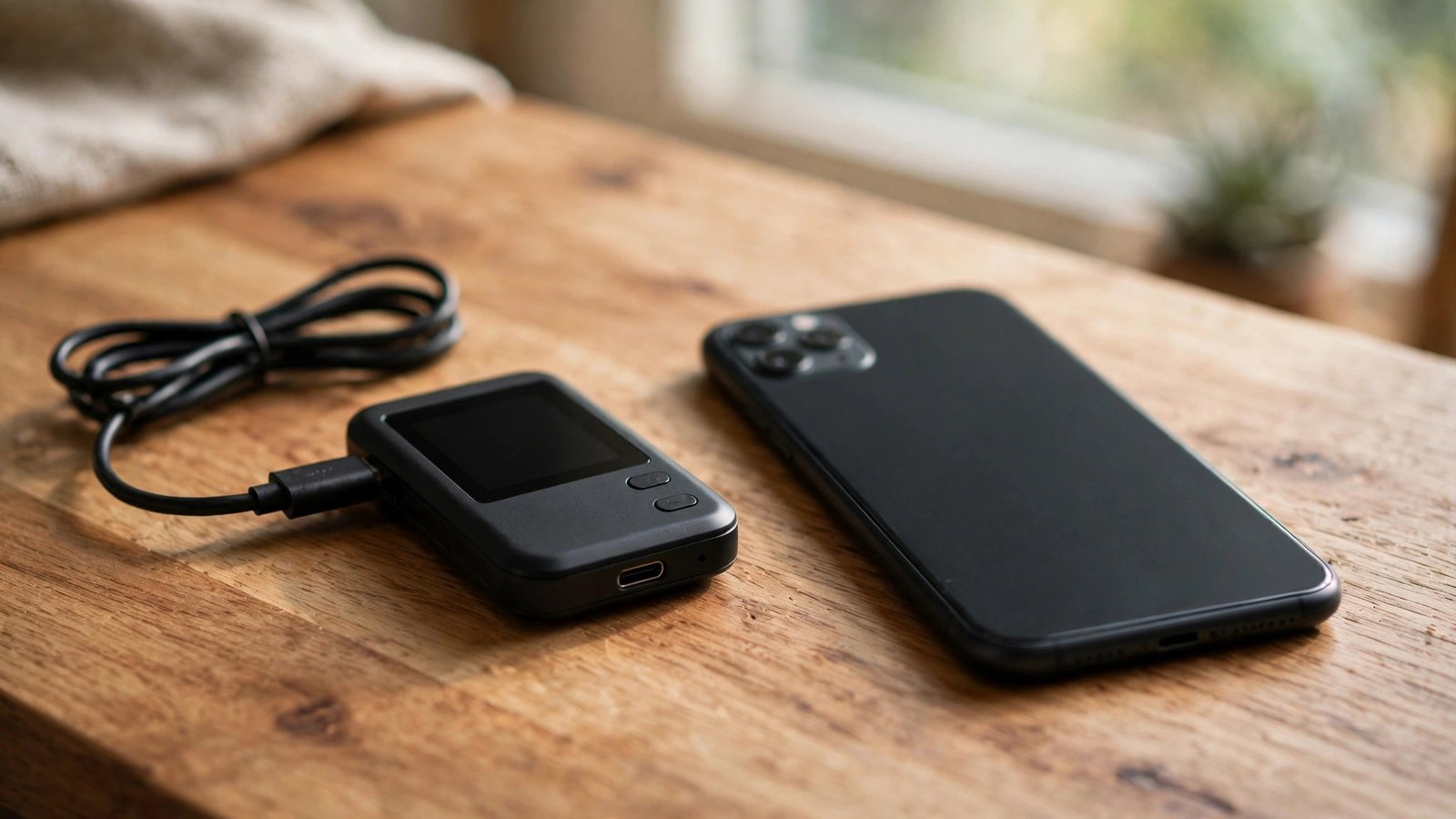
If you hold a few thousand dollars in crypto on an exchange, you have heard the mantra: not your keys, not your coins. Exchanges get hacked, freeze withdrawals, and occasionally collapse with customer funds inside. A hardware wallet moves your private keys onto a physical device that never exposes them to the internet, neutralizing the most common ways people lose crypto. The good news: for holdings under $5,000, a $50–$150 wallet is more than enough.
Why a Hardware Wallet Makes Sense Even for Small Amounts
Keeping crypto on an exchange means trusting a company with your money like a bank — without FDIC insurance, a fraud department, or a regulator who answers the phone. When an exchange is hacked, pauses withdrawals, or goes bankrupt, your coins become part of a legal mess that can take years to resolve, and you may recover pennies on the dollar. A few thousand dollars feels too small to bother securing — until it is gone.
A hardware wallet is a small device that generates and stores your private keys offline. When you send crypto, the transaction is signed inside the device; only the signature — never the key — touches your internet-connected computer. That defeats the most common theft methods: exchange hacks, clipboard-stealing malware, and phishing sites after your seed phrase. It will not make you invincible, but it moves you from easy target to hard target, where almost all attacks stop.
What “Safest” Actually Means at This Price Point
“Safest” at this price comes down to three things: the chip guarding your keys, the transparency of the code, and the company’s track record. Ledger uses a certified secure-element chip — the same class protecting bank cards — which resists physical tampering but runs partly closed-source firmware. Trezor takes the opposite approach: fully open-source software anyone can audit. Both have survived years of real-world attacks, so it is a trade-off of philosophies, not a clear winner.
For holdings under $5,000, the device is rarely the weak link — your habits are. No wallet protects a seed phrase photographed and backed up to the cloud, or a device bought from a third-party seller that arrived tampered with. Buy directly from the manufacturer, verify authenticity on first setup, and store the recovery phrase offline. A $59 device set up correctly beats a $279 device set up carelessly.
The Top Picks Compared: Ledger, Trezor, and the Budget Tier
The Ledger Nano S Plus (around $79) is the default recommendation for good reason: a certified secure element, support for thousands of coins, and the mature Ledger Live app. Downsides: a small screen that makes verifying addresses tedious, and past controversy over an optional cloud backup feature — which is opt-in and easy to decline. For a straightforward buy-and-hold stack under $5,000, it is the best balance of price, coin support, and proven security.
The Trezor Safe 3 (around $79) counters with fully open-source firmware and a reputation built since 2014 as the original hardware wallet maker. Coin support is narrower — fine for Bitcoin, Ethereum, and majors, thinner for obscure altcoins. If your holdings are mostly blue-chip coins, Trezor’s transparency-first approach is arguably the safer philosophy. The older Model One near $49–$69 remains adequate for simple storage.
Cheaper paths exist with caveats. Card-style wallets like Tangem (around $55 for two cards) offer tap-to-sign simplicity but ask you to trust a newer company. Older devices like KeepKey (under $50) work for basic Bitcoin storage but get infrequent updates. Whatever you choose, the FTC’s cryptocurrency scam guidance stresses that the purchase channel matters as much as the product: buy direct from the manufacturer, never a marketplace reseller.
Setup Mistakes That Undo All the Security
The top way hardware wallet owners lose everything has nothing to do with the device: they mishandle the 12- or 24-word recovery phrase. Write it on paper — or stamp it into a metal backup plate — and store it physically separate from the device. Never photograph it, type it into a website, or read it on a support call; no legitimate agent will ever ask. Anyone with your phrase owns your crypto, no hacking required.
Two more habits close the gaps. Verify the device is genuine during setup — abort if anything looks off, including pre-filled recovery phrases in the box, a classic tampering trick. Keep firmware updated through the official app only, and always verify receive addresses on the device’s own screen, since clipboard malware can silently swap addresses on your computer. Three-minute habits turn a good device into genuinely safe storage.
When a Hardware Wallet Is Overkill: An Honest Take
The honest counterpoint: if you hold a few hundred dollars in coins you trade weekly, a hardware wallet may add more friction than protection. Active traders need funds on exchanges anyway. The device earns its keep when holdings sit untouched for months, when the amount would genuinely hurt to lose, or when you want to stop thinking about exchange risk. Match the tool to your behavior.
A sensible middle path: keep a small trading float on a reputable exchange and move the rest to cold storage once it crosses an amount you would miss — for most people, $500 to $1,000. Revisit as holdings grow. For deeper security walkthroughs, explore our crypto guides, learn who writes them, or send us your wallet questions.
For holdings under $5,000, the safest hardware wallet is a reputable $50–$150 device bought directly from the manufacturer, set up with an offline recovery phrase. Your habits matter more than the price tag.
Conclusion
You do not need to spend hundreds to secure a few thousand in crypto. A Ledger Nano S Plus or Trezor Safe 3 around $79 gives certified, battle-tested cold storage; even a $50 budget device, bought direct and set up carefully, leaves exchange risk behind. Buy from the manufacturer, store your recovery phrase on paper or metal separately, verify addresses on-screen, and keep firmware current.
Frequently Asked Questions
Is a $50 hardware wallet actually safe?
Yes — core security comes from keeping keys offline, which budget devices do well. Price buys screen size and coin support, not stronger cryptography. What matters more: buying direct from the manufacturer and setting it up correctly.
Can a budget wallet store NFTs and altcoins?
Depends on the brand. Ledger supports thousands of tokens and NFTs; Trezor covers majors well but is thinner on obscure altcoins. Check the manufacturer’s supported-assets list for every coin you hold before buying.
What happens if I lose the hardware wallet?
Nothing, if you kept your recovery phrase. Buy a replacement, enter the 12 or 24 words, and your funds reappear — crypto lives on the blockchain, not in the plastic. Lose both device and phrase, and the funds are gone permanently.
Should I use the cloud backup feature?
It is strictly opt-in. Purists avoid cloud copies of seed phrases because they expand the attack surface; others value the safety net. For holdings under $5,000, a well-stored paper or metal backup is usually sufficient.
Do I need one if I only use Coinbase?
Depends on amount and horizon. Coinbase is large and regulated, but your crypto is still an unsecured claim if something fails. Rule of thumb: past $500–$1,000 in untouched holdings, cold storage is worth the one-time effort.
Leave a Reply