
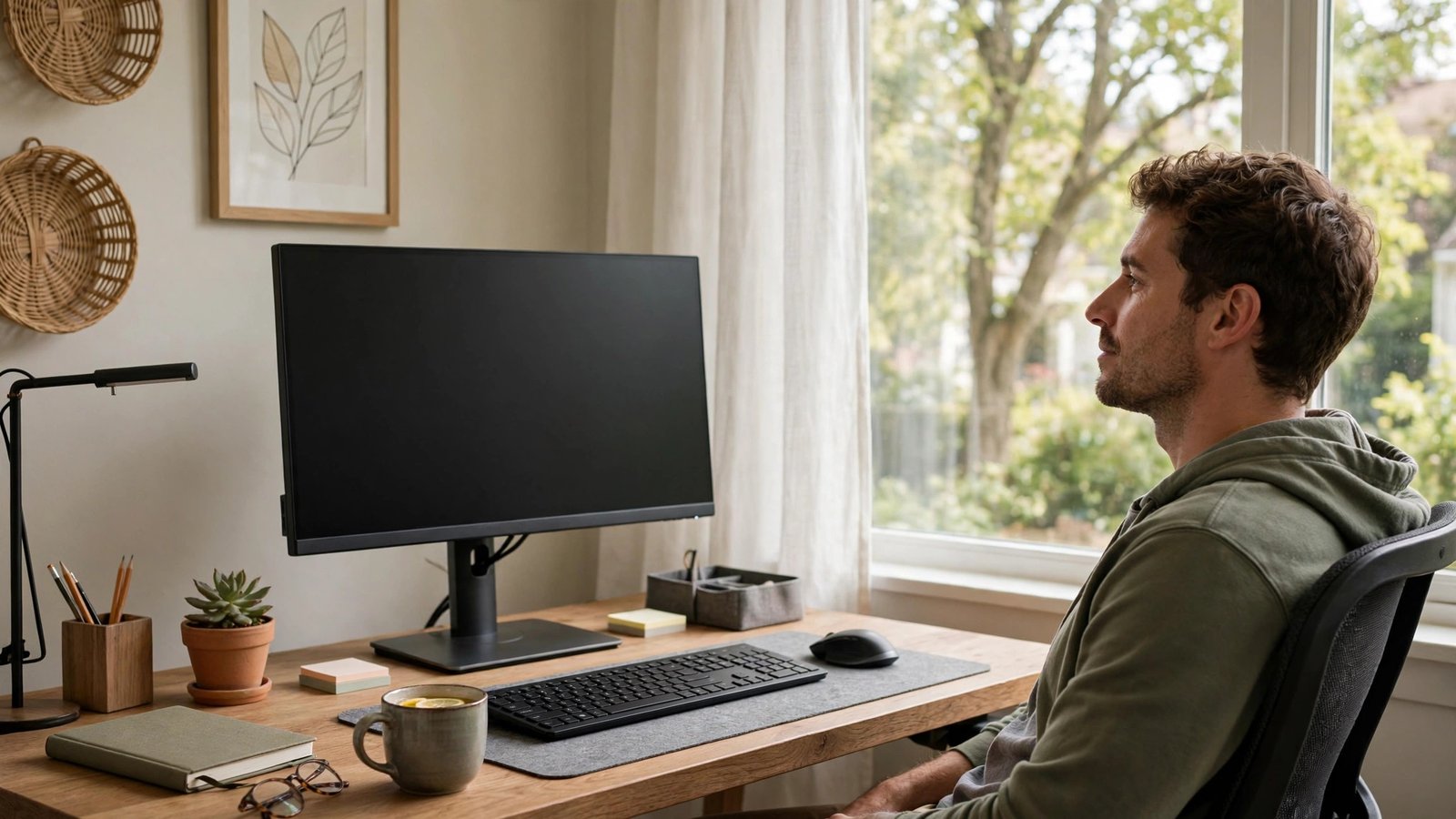
Ten hours of screen time. By 4 p.m. your eyes burn, your vision blurs when you look across the room, and a headache is building behind your eyes. Digital eye strain — the cluster of symptoms from prolonged screen use — now affects the majority of office workers, and the standard workday keeps getting longer. The good news: eye strain is almost entirely a habits-and-setup problem, not an eyesight problem, and it responds to changes you can make today without buying anything. Here is the complete fix.
Why Screens Wreck Your Eyes (It’s Not the Screen)
The screen itself is not damaging your eyes — your behavior around it is. Three mechanisms dominate. First, blink rate collapse: normal blinking runs 15-20 times per minute; during concentrated screen work it drops to 5-7, and each missed blink lets the tear film evaporate, producing dryness, burning, and fluctuating blur. Second, sustained near focus: holding focus at 20 inches for hours fatigues the ciliary muscle inside the eye (the focusing muscle) exactly like holding a half-squat fatigues your thighs — the ache and distance-blur afterward are muscle fatigue, not damage. Third, setup sins: screens too close or too high force awkward gaze angles; glare and poor contrast make the eyes work harder for every character; and dry office air (often under 30% humidity) accelerates tear evaporation. None of this causes permanent eye damage — that is the reassuring part — but the daily misery is real and cumulative through the workweek. The American Optometric Association’s screen-time guidance details this mechanism officially.
The 20-20-20 Rule and Its Upgrades
The famous 20-20-20 rule — every 20 minutes, look at something 20 feet away for 20 seconds — works because it breaks all three strain mechanisms simultaneously: distance viewing relaxes the focusing muscle, the break restores normal blinking, and the pause interrupts the posture lock. But most people forget to do it, so make it automatic: set a recurring timer, use a break-reminder app (Stretchly, Big Stretch, and built-in OS reminders all work), or tie it to an existing habit (every time you finish an email, look out the window). Upgrade the rule for 10-hour days: every hour, take a full 5-minute break — stand, walk, look far away, blink deliberately. The deliberate blinking matters: 10 slow, complete blinks (fully closing the lids, not half-blinks) during each break re-coats the tear film more effectively than passive rest. Palming — covering closed eyes with warm palms for 30 seconds in a darkened break — relaxes both the eye muscles and the surrounding facial tension. These micro-breaks cost roughly 25 minutes across a 10-hour day and return far more in afternoon productivity than they consume.
Fix Your Setup: Distance, Height, and Light
Ergonomics do half the work permanently. Distance: the screen should be 20-28 inches from your eyes (about arm’s length) — closer forces excessive focusing effort; much farther forces squinting. Height: the top of the screen at or slightly below eye level, so your gaze angles slightly downward (10-20 degrees) — this position exposes less eye surface (reducing tear evaporation) and keeps neck neutral. Text size: if you are leaning in or squinting, the text is too small — increase zoom to 125-150% rather than punishing your eyes; there is no prize for tiny fonts. Glare: eliminate reflections on the screen — reposition relative to windows (perpendicular, not facing or backing them), close blinds as needed, and consider a matte screen filter for harshly lit offices. Ambient light should roughly match screen brightness — a glowing screen in a dark room forces constant pupil adjustment; a screen dimmer than bright surroundings washes out. Most monitors ship at retina-searing factory brightness — turn it down to match the room. Clean the screen weekly; dust and smudges scatter light and degrade contrast, making eyes work measurably harder. Our health section has more workstation wellness guides.
Hydrate Your Eyes: Beating the Dryness
For many 10-hour screen workers, dryness is the dominant symptom, and it has specific fixes. Artificial tears (preservative-free single-use vials for frequent use — preserved bottles irritate with overuse) used 2-4 times through the workday directly replace the evaporated tear film; keep them at your desk and use them on schedule, not just when burning starts. A warm compress for 5 minutes in the evening (warm washcloth over closed eyes) melts the oils in your eyelid glands, improving tear quality — particularly effective if your eyes feel gritty. Office air is the enemy: a small desktop humidifier, or even positioning away from HVAC vents blowing directly at your face, measurably reduces evaporation. Contact lens wearers suffer disproportionately — consider glasses for the longest screen days, since contacts divide the tear film and worsen dryness; if you must wear contacts, the artificial tears schedule becomes essential. Omega-3 supplements show modest evidence for dry eye improvement over weeks. And the simplest: conscious blinking — most screen workers can halve their dryness symptoms just by noticing their blink rate and correcting it during the 20-20-20 breaks.
When Eye Strain Needs an Eye Doctor
Habit and setup fixes resolve most digital eye strain — but not all, and some symptoms need professional evaluation. Book an eye exam if: strain persists despite two weeks of proper breaks, ergonomics, and dryness management; you have headaches centered behind the eyes most workdays; distance vision stays blurry for a long time after screen sessions; you are over 40 and have never had a presbyopia evaluation (the focusing fatigue of uncorrected presbyopia masquerades as screen strain); one eye is consistently worse; or you experience double vision, flashes, new floaters, or eye pain (distinct from strain ache — pain warrants prompt evaluation). The exam may reveal an outdated prescription, uncorrected astigmatism (which forces extra focusing effort at screens specifically), binocular vision issues, or dry eye disease needing prescription treatment. “Computer glasses” — single-vision lenses optimized for screen distance — help many workers, but get them prescribed after an exam, not from a drugstore guess. Blue-light glasses: the evidence for strain reduction is weak (the strain is behavioral, not spectral), though some people find the slight tint subjectively comfortable — spend the money on an exam instead. If screen symptoms worry you, reach out — and schedule the exam.
Ten-hour screen eye strain comes from collapsed blink rates, sustained near-focus muscle fatigue, and poor setup — not screen damage. Break it with 20-20-20 plus hourly 5-minute breaks, position the screen at arm’s length slightly below eye level, kill glare, use preservative-free artificial tears, and humidify dry office air. Persistent strain despite two weeks of fixes deserves an eye exam.
Conclusion
Digital eye strain is a design problem with a design solution: break the focusing lock regularly, restore blinking, set up the workstation to work with your eyes instead of against them, and manage dryness directly. Implement the full protocol for two weeks and the 4 p.m. burn-and-blur should fade dramatically. Your eyes are not deteriorating from screens — they are asking for the breaks and setup they were designed to have. Give them that, and ten-hour days get comfortable again. Learn more about our practical health coverage. The National Eye Institute’s eye health resources cover digital eye strain prevention.
Frequently Asked Questions
Can screens permanently damage your eyes?
No — extensive research finds no evidence that screen use causes permanent eye damage or worsens prescriptions. Digital eye strain is real and miserable but reversible; the symptoms resolve with breaks and proper setup. The concern is comfort and productivity, not lasting harm.
Do blue-light glasses help with eye strain?
Evidence is weak — most eye strain comes from blink reduction and focusing fatigue, not blue light wavelengths. Some users report subjective comfort from the tint. An eye exam and ergonomic fixes deliver far more proven benefit per dollar.
How often should I use artificial tears?
For screen-related dryness, 2-4 times through the workday on a schedule works better than waiting for burning. Use preservative-free single-use vials if applying more than 4 times daily — preservatives in multi-use bottles irritate with frequent use.
Why do my eyes blur when I look up from the screen?
That is focusing-muscle fatigue — the ciliary muscle locks into near-focus after hours and is slow to release for distance. It is the eye equivalent of muscle stiffness after holding a pose, and it resolves with distance-viewing breaks. Persistent prolonged blur deserves an exam.
Are dark mode and night shift helpful?
Modestly — they reduce overall light exposure and may improve comfort in dim environments, especially evening use. But they do not address the core mechanisms (blinking, focusing fatigue). Use them as comfort tweaks alongside the real fixes, not instead of them.
Leave a Reply