
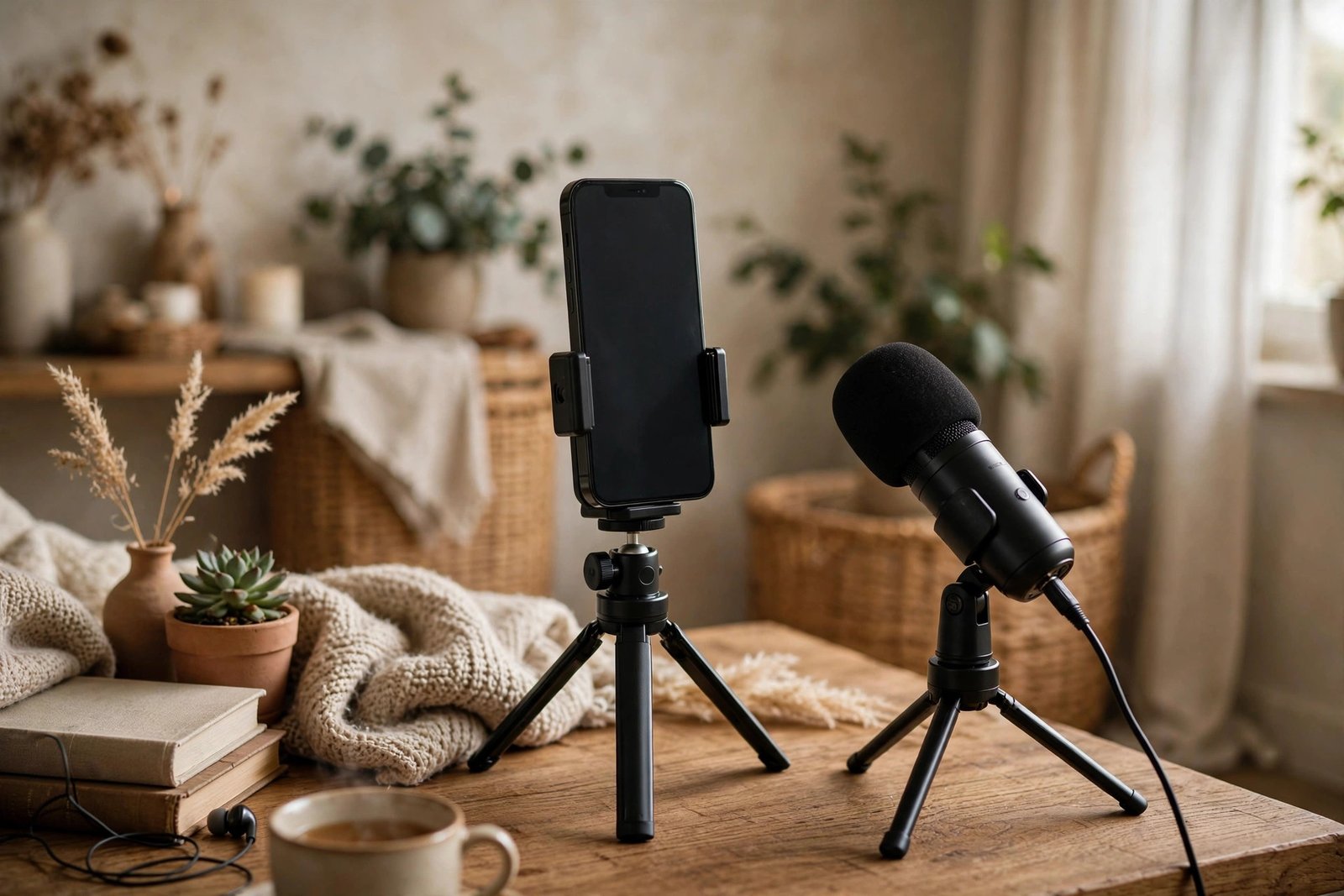
Starting a podcast has never been cheaper or simpler. You do not need a studio, a $300 microphone, or an audio engineering degree — a smartphone, a $30 lavalier or USB mic, and free software are enough to produce a show that sounds genuinely professional. The barrier to podcasting in 2026 is not gear or money; it is knowing the handful of steps between “idea” and “published.” Here is the complete zero-fluff setup.
The Gear: Phone + $30 Mic + a Quiet Room
Your phone’s built-in mic is a decent backup, but a $30 external mic is the single upgrade that makes you sound like a “real” podcast. Two good options: a wired lavalier (clip-on) mic that plugs into your phone’s headphone jack or USB-C/Lightning port — perfect for interviews and video-style recording — or a mini USB condenser mic on a tiny tripod for desk recording. Either beats the phone mic dramatically because it sits closer to your mouth, capturing more voice and less room echo. That is the whole gear list. The room matters more than the mic: record in a small, soft-furnished space — a closet full of clothes is the classic free “studio” — because soft surfaces absorb the echo that makes recordings sound amateur. Turn off fans, AC, and notifications. Closeness plus quiet beats expensive gear in a noisy room every time.
Recording: Apps That Just Work
For solo recording on your phone, your built-in voice recorder app works fine to start — but dedicated apps add useful features. On iPhone, GarageBand (free) gives you multi-track recording and basic editing in one app. On Android, apps like Dolby On or the free tier of Spreaker Studio record with automatic noise reduction and leveling. For remote interviews (you and a guest in different places), use Riverside.fm or SquadCast’s free tiers — they record each person’s audio locally in high quality, then upload, avoiding the glitchy-call-sound of recorded Zoom audio. Record a 60-second test first and listen back on earbuds: you are checking for echo, background hum, and mic distance. Fix the room before you blame the mic.
Editing: Free Software, Simple Workflow
Audacity (free, on computer) remains the standard beginner editor: cut mistakes, trim silences, and normalize volume — that is 90% of podcast editing. The workflow: import your recording, listen through once cutting “ums,” false starts, and long pauses, then apply light noise reduction and normalize loudness to podcast standards (-16 LUFS stereo is the common target; many tools do this automatically). Do not over-edit — a slightly human pace beats a robotic one, and listeners forgive imperfection but not boredom. AI tools now offer one-click cleanup (noise removal, filler-word deletion), which can collapse an hour of editing into minutes; use them as assistants, not replacements, and always listen to the result. Export as MP3 at 128 kbps — the podcast standard balancing quality and file size.
Hosting and Publishing: Getting on Apple and Spotify
You do not upload audio directly to Apple Podcasts or Spotify — you upload to a podcast host, which generates an RSS feed that the directories list. Free and cheap hosts abound: Spotify for Podcasters (free, unlimited hosting), Buzzsprout (free tier with limits), and Podbean all work. The process: create an account, upload your MP3, write a title and description, add cover art (free tools like Canva make perfectly good 3000×3000px covers), and submit your RSS feed to Apple Podcasts, Spotify, and other directories — approval takes a few days. Pick a clear, searchable show name (imagine someone describing it to a friend), write descriptions with the keywords listeners search, and publish consistently — weekly beats sporadic, even if episodes are short. Spotify for Podcasters’ resources walk through setup step by step.
Growing: The Unsexy Truth
New podcasts do not get discovered by accident — directories surface shows with ratings, reviews, and consistent publishing. Launch with three episodes (so bingers have somewhere to go), ask every early listener for a rating and review, and tell everyone you know personally before spending a dollar on promotion. Appear as a guest on two or three related podcasts — cross-pollination is the most effective free growth channel in podcasting. Share clips (30–60 second audiograms) on social media rather than just links; people sample clips, not RSS feeds. And give it time: most podcasts that “suddenly” succeed published 50+ episodes first. The gear got you started; consistency builds the audience. Podcast Insights’ beginner guides cover growth tactics in depth.
Naming and Cover Art on Zero Budget
Your show’s name and cover art do more marketing than any promotion — and both are free to get right. Pick a name that says what the show is about in five words or fewer; clever-but-cryptic names are undiscoverable. Check the name isn’t taken by searching podcast directories before you commit. For cover art, use Canva’s free podcast templates at the required 3000×3000 pixels: bold title text readable at thumbnail size, high contrast, no tiny details. Your cover competes as a one-inch square in a crowded directory — design for that reality, not for a poster. A clear name plus a legible cover art is the difference between a show people can find and one they scroll past forever.
Starting a podcast takes a phone, a $30 mic close to your mouth, and a quiet closet — not a studio. Record with free apps, edit lightly in Audacity, host free on Spotify for Podcasters, launch with three episodes, and publish consistently.
Conclusion
A podcast with just your phone and a $30 mic is entirely realistic: get the mic close, record somewhere soft and quiet, edit lightly with free tools, host free, and launch with three episodes and a consistent schedule. The equipment stopped being the barrier years ago — the only thing left is pressing record. For more creator and entertainment guides, explore our entertainment section, meet the team, or send us your podcasting questions.
Frequently Asked Questions
What $30 microphone is best for starting a podcast?
A wired lavalier (clip-on) mic for interviews and mobile recording, or a mini USB condenser mic for desk setups. Either placed close to your mouth dramatically outperforms a phone’s built-in mic — closeness matters more than price.
Can I record a podcast on my phone?
Yes — modern phones record perfectly good audio with an external mic. Use GarageBand (iPhone) or Dolby On/Spreaker Studio (Android) for recording, and a quiet, soft-furnished room matters more than any app choice.
How do I get my podcast on Spotify and Apple Podcasts?
Upload episodes to a podcast host (Spotify for Podcasters is free), which generates an RSS feed. Submit that feed to Apple Podcasts, Spotify, and other directories — approval takes a few days, then new episodes appear automatically.
How much does it cost to start a podcast?
As little as $30 for a mic — recording apps, editing software (Audacity), and hosting (Spotify for Podcasters) all have capable free tiers. Your total startup cost can genuinely be the price of the microphone.
How long should podcast episodes be?
As long as they are interesting — but for beginners, 20–40 minutes is the sweet spot. Shorter episodes are easier to record, edit, and publish consistently, and consistency matters more than length.
Leave a Reply